
8 Batteries Around the House That Homeowners Need to CHECK and REPLACE Regularly!

Battery maintenance is a small but critical aspect of home upkeep. It’s easy to overlook, yet it’s crucial for the safety and efficiency of your home.
Timely replacement and regular checks of batteries can prevent the hazards of power failures in essential devices. This guide provides straightforward, actionable advice for managing the batteries that power key household devices.
1. Smoke Detectors and Carbon Monoxide Alarms
The beeping of a smoke detector doesn’t just signal a nuisance; it can be a life-saving alert. Functioning smoke detectors and carbon monoxide alarms are non-negotiables in any home, playing a vital role in alerting you to fires or dangerous gas leaks.
These alarms are often your first warning in case of an emergency, making it crucial that they are always equipped with working batteries.
Actionable Advice:
- Test Regularly: Monthly tests are crucial. Simply press the test button to ensure the alarm sounds.
- Timely Replacement: Change the batteries at least twice a year. A useful tip is to sync this task with daylight saving time adjustments.
- Longevity Alternatives: To minimize maintenance, opt for alarms with 10-year sealed batteries.
- Reminders: Utilize digital calendars or reminder apps for biannual battery replacement prompts.
- Stay Prepared: Maintain a home stock of batteries suitable for your alarms, ensuring you’re ready for immediate replacements.
Pro Tip: Combine the task of testing your alarms with another habitual activity, such as a monthly home safety walkthrough, to cement it in your routine.

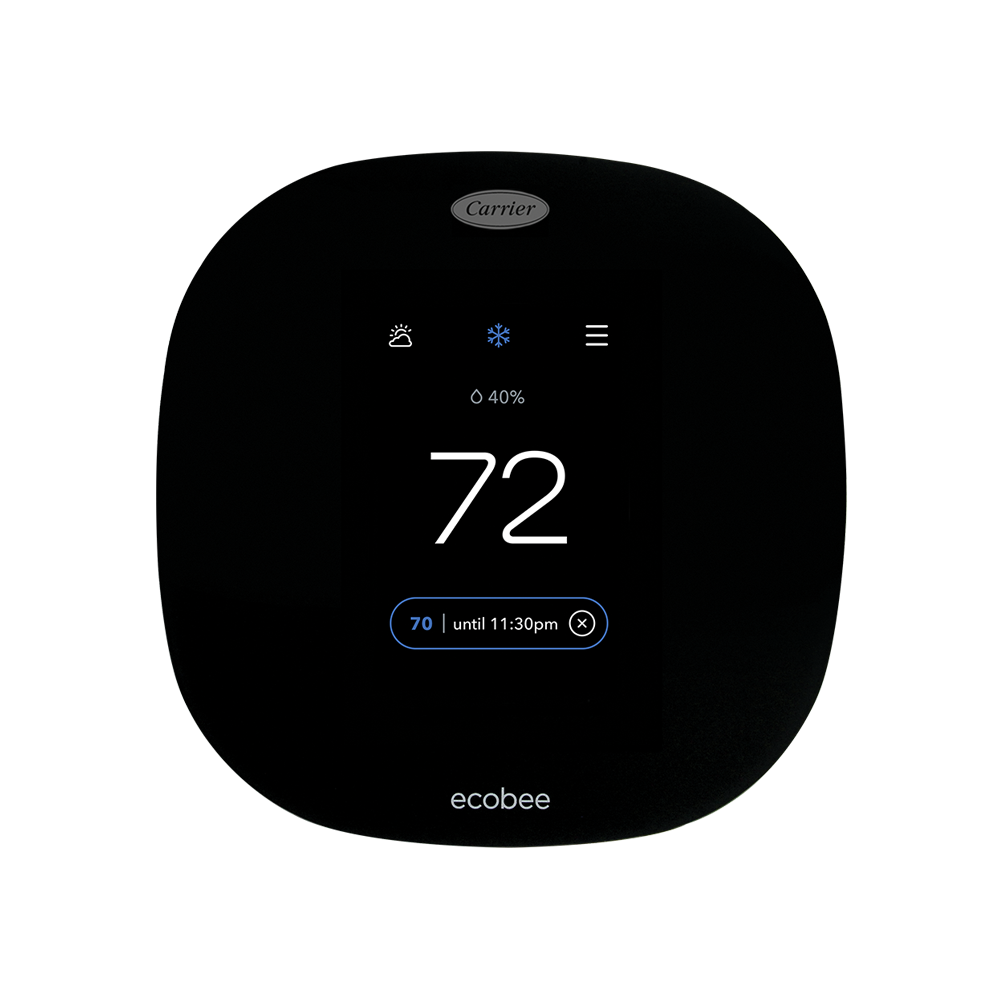
2. Thermostat Batteries
A reliable thermostat is central to maintaining comfort in your home. It regulates temperature, ensuring your living space is neither too hot nor too cold. However, when thermostat batteries begin to fail, they can lead to inaccurate temperature readings, erratic HVAC behavior, or complete system shutdowns. This not only affects comfort but can also lead to unnecessary energy waste, as your system may overwork to compensate for incorrect temperature readings.
Actionable Advice:
- Monitor Warning Signs: Don’t wait for your HVAC system to act up. If your thermostat has a low battery indicator, heed its warning. Otherwise, check the batteries at least once a year.
- Seasonal Checks: A strategic time to check and replace thermostat batteries is at the beginning of the heating and cooling seasons—this ensures your system runs optimally when you need it most.
- Replacement Process: Replacing batteries in most thermostats is a simple task. Always keep the right type of batteries on hand and refer to your thermostat’s manual for proper replacement procedures.
- Maintain Records: Keep a log of battery replacements to track the lifespan and schedule future maintenance.
- Embrace Technology: Consider upgrading to a smart thermostat that can send battery alerts directly to your phone, adding a layer of convenience to home energy management.
Pro Tip: Align thermostat battery replacements with other seasonal home maintenance tasks, like gutter cleaning or checking smoke detectors, to make it part of a comprehensive routine.
3. Security Systems
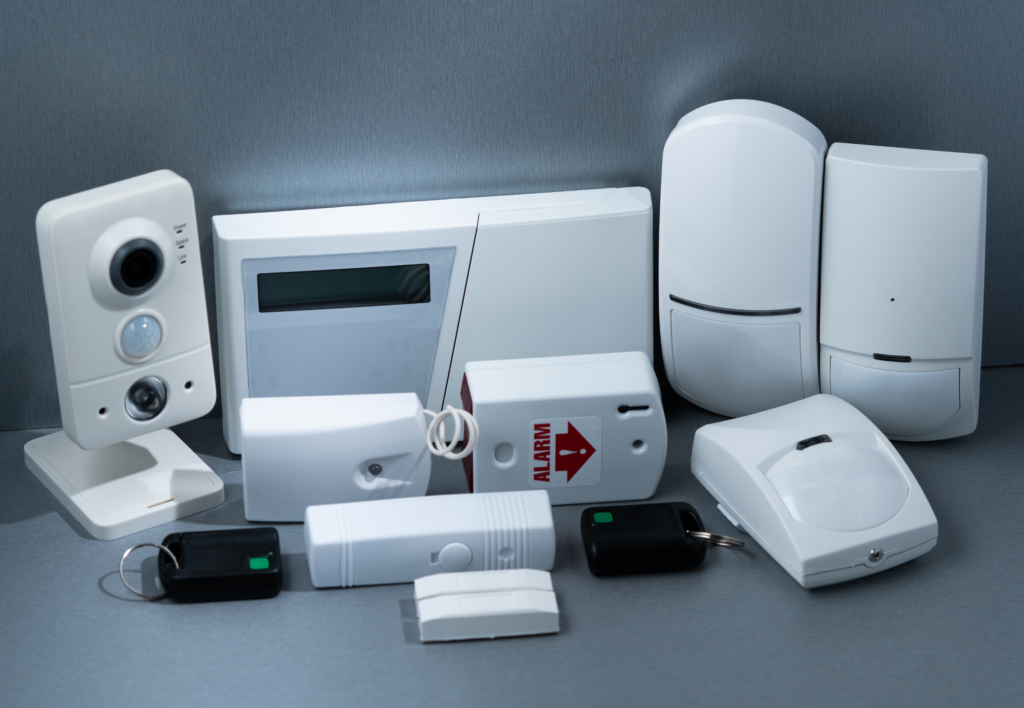
The batteries in your home security system are your silent guardians. They ensure that your home remains protected during power outages and other electrical issues. A security system with a dead battery is like an unlocked door, inviting potential risk. Regular checks can keep your home security system active and alert, providing peace of mind that your property and loved ones are safe.
Actionable Advice:
- Consistent Testing: Most security systems recommend monthly testing to verify that the system and its components are working correctly.
- Battery Lifespan Awareness: Security system batteries typically last 3 to 5 years, but this can vary based on usage. Familiarize yourself with the battery type your system requires and its expected lifespan.
- Immediate Replacement: If your system indicates a low battery, act immediately. Delaying could leave your home unprotected.
- Professional Insight: For complex systems, consider scheduling annual inspections with your security provider to ensure all components are functioning correctly, including batteries.
- Backup Planning: Always have spare batteries specifically for your security system. In case of a sudden failure, you won’t have to rush to find the right type.
Pro Tip: Connect the task of checking your security system batteries with another monthly security-related task, such as checking door locks or reviewing security camera footage, to create a robust home safety routine.
4. Flashlights and Emergency Equipment
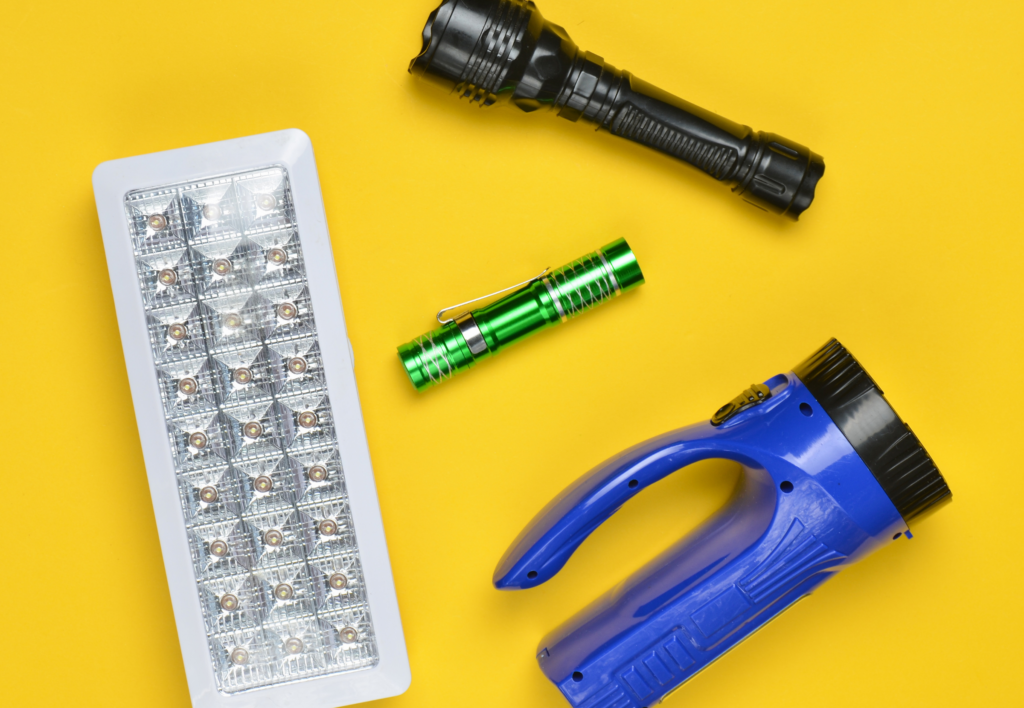
When the power goes out, flashlights and emergency equipment become the heroes of the hour. Whether it’s a natural disaster or a neighborhood power cut, these tools are invaluable. Ensuring they have fresh batteries can mean the difference between being stranded in the dark and having the light you need to navigate safely.
Actionable Advice:
- Regular Checks: Even if they haven’t been used, check the batteries in these devices every three months. Batteries can corrode or discharge over time, even without use.
- Quality Matters: Use high-quality, long-lasting batteries for your emergency equipment to ensure reliability when it’s needed most.
- Storage Wisdom: Remove batteries from devices if they will not be used for an extended period. This prevents battery leakage and device damage.
- Accessibility: Store flashlights and emergency equipment in an easily accessible location and ensure everyone in the home knows where they are.
- Rotation System: Rotate the batteries between devices occasionally. This can help prevent long-term leakage and keeps the batteries fresh.
Pro Tip: Pair the routine of checking your emergency equipment with another quarterly household task, such as changing air filters or water filters, to maintain a cycle of home safety checks.
5. Wall Clocks and Remote Controls
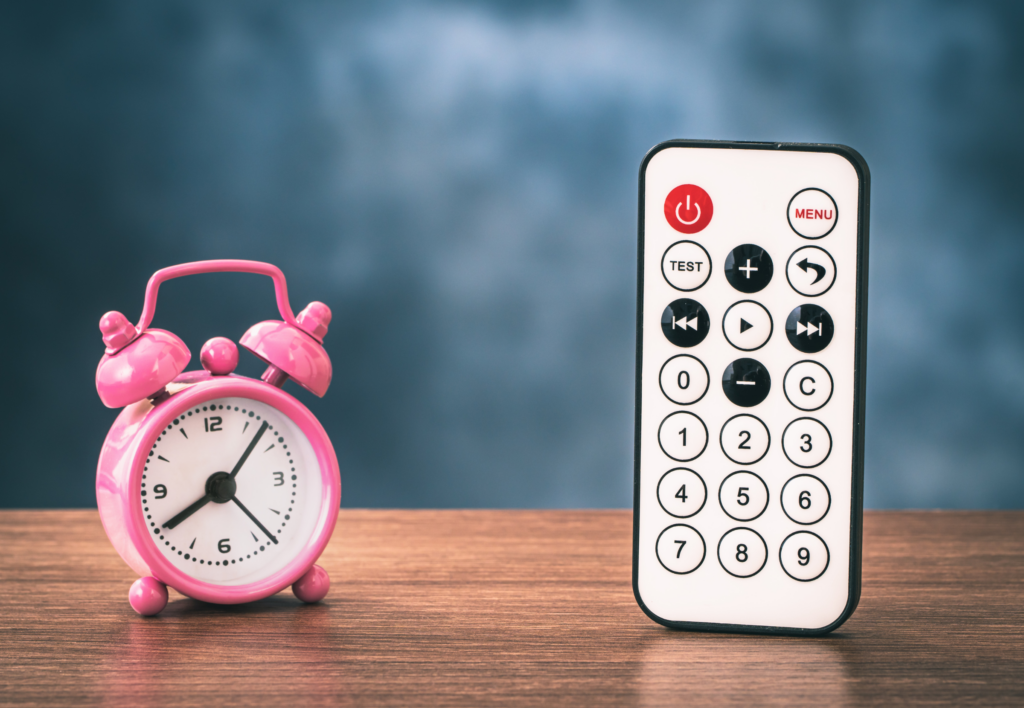
While they may not be critical for safety, the batteries in wall clocks and remote controls are central to the convenience and smooth operation of your daily routine. A stopped clock can throw off your schedule, and a non-responsive remote can be a source of frustration. Keeping these small but essential items powered up ensures your day runs without these minor yet annoying hitches.
Actionable Advice:
- Routine Inspection: Perform a quick check of these items every six months to ensure they’re functioning properly. This can be done during daylight saving time changes.
- Quality Batteries: Invest in good-quality batteries to extend the life of your devices and reduce the frequency of replacement.
- Spare Supplies: Keep a small stock of the appropriate batteries for these devices in a convenient location so that replacements can be made promptly.
- Environmental Factors: Be aware that extreme temperatures can affect battery life. Avoid placing clocks or remotes near air conditioners, heaters, or in direct sunlight.
- Recalibration: After replacing batteries in clocks, make sure they are set to the correct time to maintain accuracy.
Pro Tip: Link the task of changing these batteries with a biannual household event, such as the start or end of a sports season, to create a memorable routine.
6. Garage Door Openers
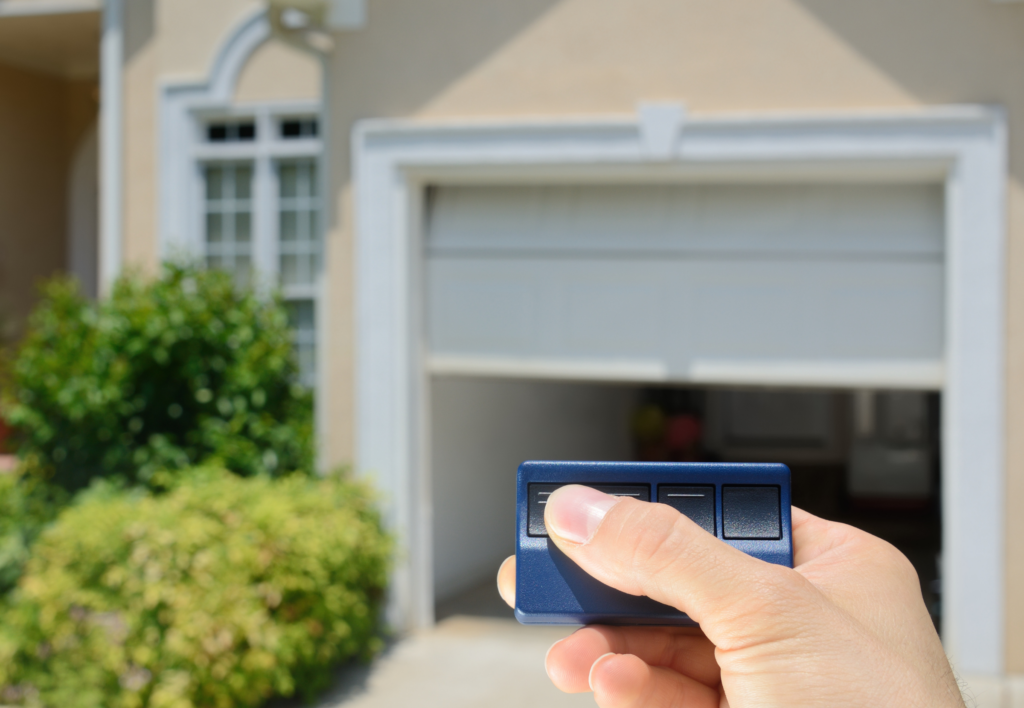
A garage door opener is often taken for granted—until the moment it stops working when you’re late for an appointment. The inconvenience caused by a dead battery in a garage door opener remote can disrupt your entire day.
Keeping the battery fresh ensures that you won’t be left manually lifting your garage door or, worse, stuck outside.
Actionable Advice:
- Annual Checks: Test your garage door opener remote’s responsiveness annually, and replace the battery as a precautionary measure, even if it still works.
- Keep Spares: Always have spare batteries specifically for your garage door opener on hand. Consider buying them in bulk to save money and time.
- Visual Inspection: Look for signs of battery corrosion or leakage each time you check, and clean the battery contacts if necessary.
- Understand the Signs: Learn the indicators of a weak battery, such as the garage door responding slower than usual or requiring multiple button presses.
- Proper Disposal: When replacing batteries, remember to dispose of the old ones properly according to your local regulations to minimize environmental impact.
Pro Tip: Sync the routine of checking your garage door opener battery with an annual event, like the first day of spring or during your home’s fall maintenance, to keep it top of mind.
7. Backup Sump Pump Batteries
For homes equipped with sump pumps, the backup battery is a critical defense against flooding—especially during heavy rainfalls or power outages. A sump pump battery failure can lead to water damage, which can be both costly and distressing. Proactive battery maintenance is key to ensuring your basement stays dry during adverse weather conditions.
Actionable Advice:
- Regular Testing: Test the sump pump and its backup battery every three to four months. Many systems have a test mode for this purpose.
- Understand Battery Type: Know whether your sump pump uses a standard acid battery or a maintenance-free battery, as this will dictate the type of care and replacement it needs.
- Charge Monitoring: For sump pumps with acid batteries, check the water levels and maintain a full charge. For maintenance-free batteries, ensure they hold a charge and that the terminals are clean.
- Replacement Schedule: Replace backup sump pump batteries every 2-3 years, or as recommended by the manufacturer, even if they still seem to be holding a charge, to avoid any risk of failure.
- Stay Informed: Be aware of the signs that your backup battery may be failing, such as unusual noises, alarm signals, or if the backup system engages more frequently than normal.
Pro Tip: Pair the sump pump battery check with other seasonal home maintenance tasks, like checking your HVAC system or cleaning out gutters, to create a comprehensive home care routine.
Conclusion: Regularly checking and replacing the batteries in these seven key household items can save you from unexpected hassles and provide peace of mind. Integrating these checks into your household routine doesn’t take much time, but the benefits are substantial. Remember, when it comes to home maintenance, the smallest actions can sometimes prevent the biggest problems.
Call to Action: Don’t let battery checks fall by the wayside. Set reminders, mark your calendar, and keep your home running like a well-oiled machine. Share this guide with friends and family to help them stay on top of their home maintenance too.
8. Portable Power Tools
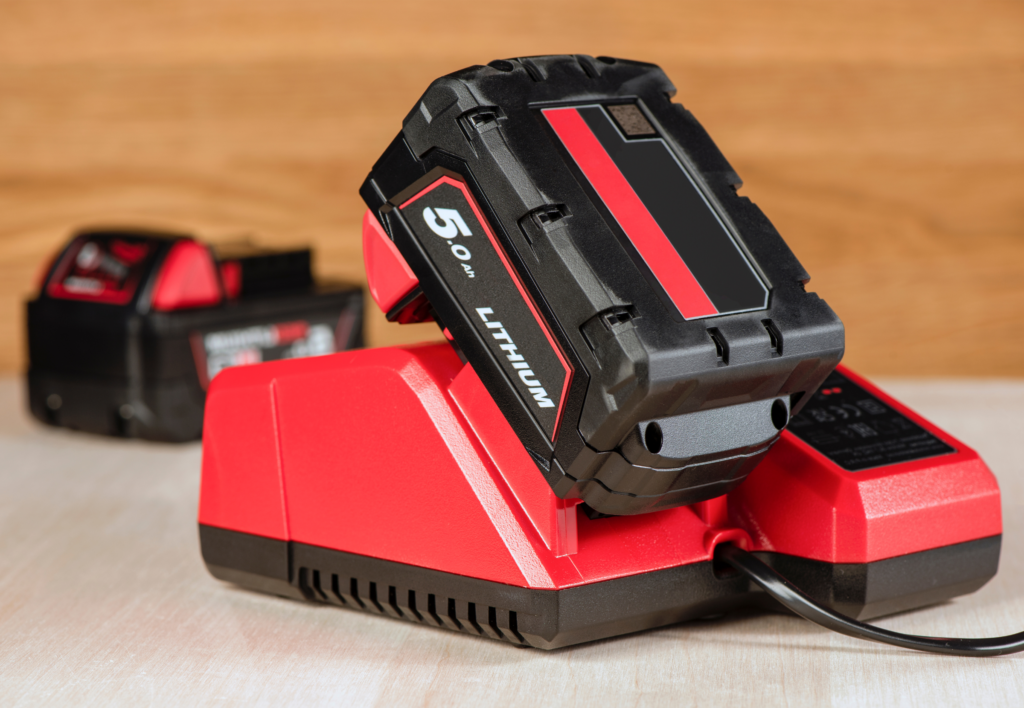
For the DIY enthusiast, power tools are the backbone of home improvement projects. Keeping their batteries in check means you’re always ready for repairs and projects.
Actionable Advice:
- Routine Checks: Before commencing any project, check your power tools’ battery life and charge them if necessary.
- Proper Storage: Keep batteries in a cool, dry place and avoid leaving them in the charger after they’re fully charged.
- Battery Lifecycle: Be aware of your power tool batteries’ typical lifecycle and plan for replacements accordingly.
Pro Tip: Combine the battery checks with the planning phase of any DIY project to ensure you have the power you need when you need it.
Let Us Know How We’re Doing!
Did this expertly prepared resource answer your question?
Do you have another question about home maintenance, home improvement projects, home appliance repair, or something else?
Get more information, send in questions and keep the discussion going by contacting the I’ll Just Fix It Myself company customer service team at at 1-800-928-1490 or Email us at [email protected]
