
Washing Machine Turning Itself On? (How to Fix a Washing Machine’s Self-Start)

The reasons for a washing machine turning itself on are generally normal, but a few cause concern. Is this normal, and what should you do if your washing machine randomly turns on?
The reasons for a washing machine turning itself on include a power outage during the wash cycle, the extension cord resetting itself, a faulty control board, the drum being manually spun around, using the delay start setting, or a loose wall outlet. Stop it from self-starting by running a diagnostics check.
If this is your situation, read on to find out what causes the washing machine to turn itself on and what you can do to fix it.
Can a washing machine turn on by itself (is it normal)?
Don’t get spooked out if your washing machine turns on by itself. It’s generally normal, but frequent occurrences should be addressed.
A washing machine can turn on by itself for a few reasons, including after a power outage or extension cord reset, from a faulty control board, spinning the drum manually, using the delay start setting, or from a loose wall outlet.
It’s most normal for this to happen when using the delay start setting; after all, that’s what it’s there for.
Washing machines that turn on by themselves for other reasons might need maintenance. However, some causes, like power outages, are as unavoidable as normal and safe.
The following section covers these causes in greater detail.
6 reasons for a washing machine turning itself on
Washing machines can sometimes kick on randomly by themselves. If yours is turning itself on, there could be a few reasons. Luckily, these reasons are generally safe and easily fixable.
Here are six reasons your washing machine may be turning itself on:
- It turned itself on after a power outage
- The extension cord reset itself
- It has a faulty control board that turns it on by itself
- You spun the drum, and it turned it on (or the display lit up)
- The “delay start” setting or timer was on
- The wall outlet receptacle is loose (fix this immediately)
It turned itself back on after a power outage
A power outage can occur during a thunderstorm, scheduled maintenance, or your breaker kicking. Either of these causes can result in a seemingly self-starting washing machine.
Washing machines running while the power goes out will turn themselves back on when the power comes back. This is safe, normal, and convenient.
The extension cord reset itself
Firstly, try not to use an extension cord for your washing machine. It’s hazardous and cause shortages, blown fuses, and makes your breaker kick. If you need to use an extension cord, make sure it has the correct amperage, plug type, and wire gauge.
Some extension cords have built-in reset functionality. Washing machines plugged into an extension cord with a reset function can suddenly turn off and back on as if it started, similar to when the power goes out.
It has a faulty control board that turns it on by itself
A malfunctioning control board can also cause the washer to act randomly, such as turning itself on. Control boards send signals to the machine, like the timer that sounds when the cycle is finished.
Control boards also light up the washing machine’s display–a faulty board can sometimes cause the display to light up, turn on, or flicker. If this happens, make sure the device is plugged in all the way before determining it’s a faulty control board. Then, consult your owner’s manual for next steps.
You spun the drum, and it turned on (or the display lit up)
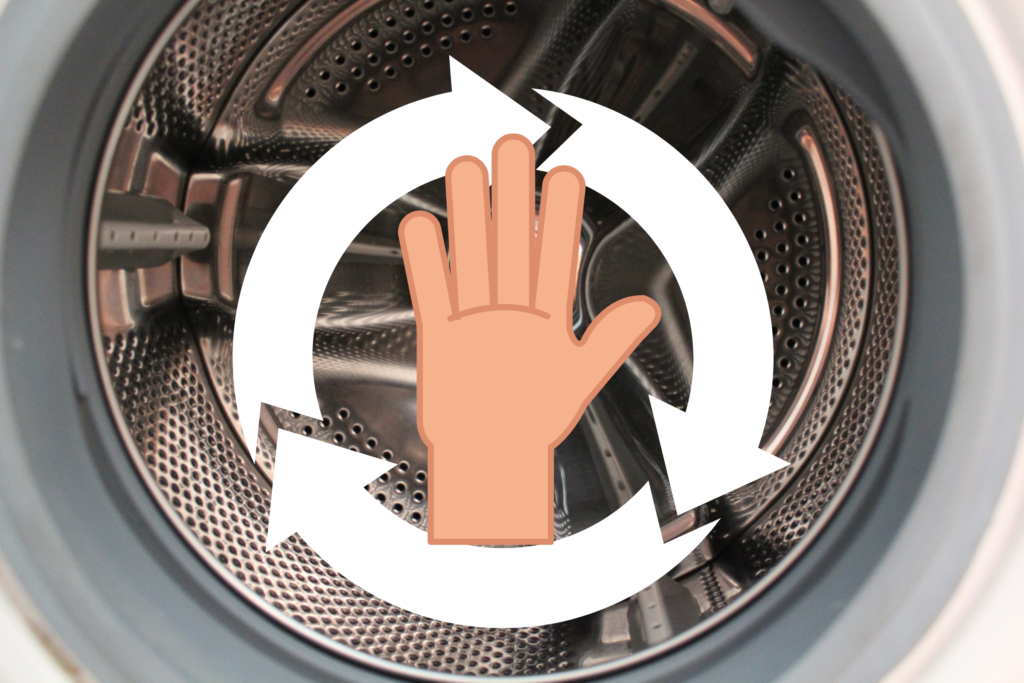
Front-load washing machines (where laundry is loaded into the front door instead of a top door) turn themselves on after spinning the drum with your hands. This is normal with these types of washers.
Spinning the drum manually creates a magnetic charge in the washing machine’s motor. It sends an electronic current to the control panel, lighting up the display and turning the machine on. If this happens, turn the machine back off.
The “delay start” setting or timer was on
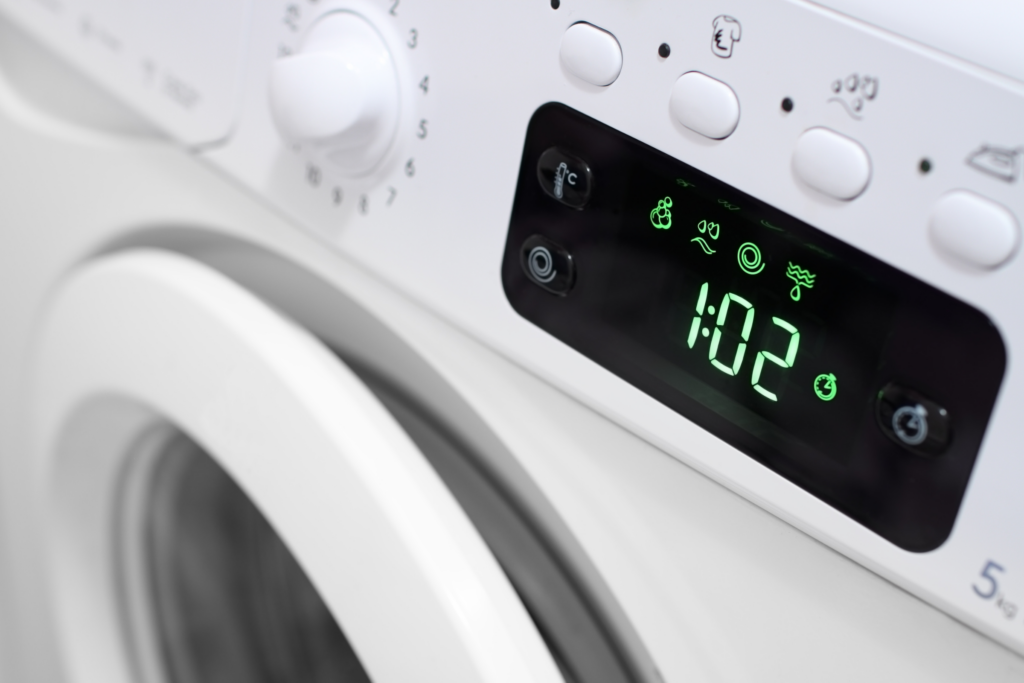
Maybe you pressed it by accident, or perhaps you forgot it was on, but the delay start timer on a washing machine causes it to turn on by itself after a set amount of time.
Once the setting button on the washing machine is pressed, it starts a timer for the designated amount of time. After that amount of time has passed, the machine will begin on its own.
The wall outlet receptacle is loose (fix this immediately)
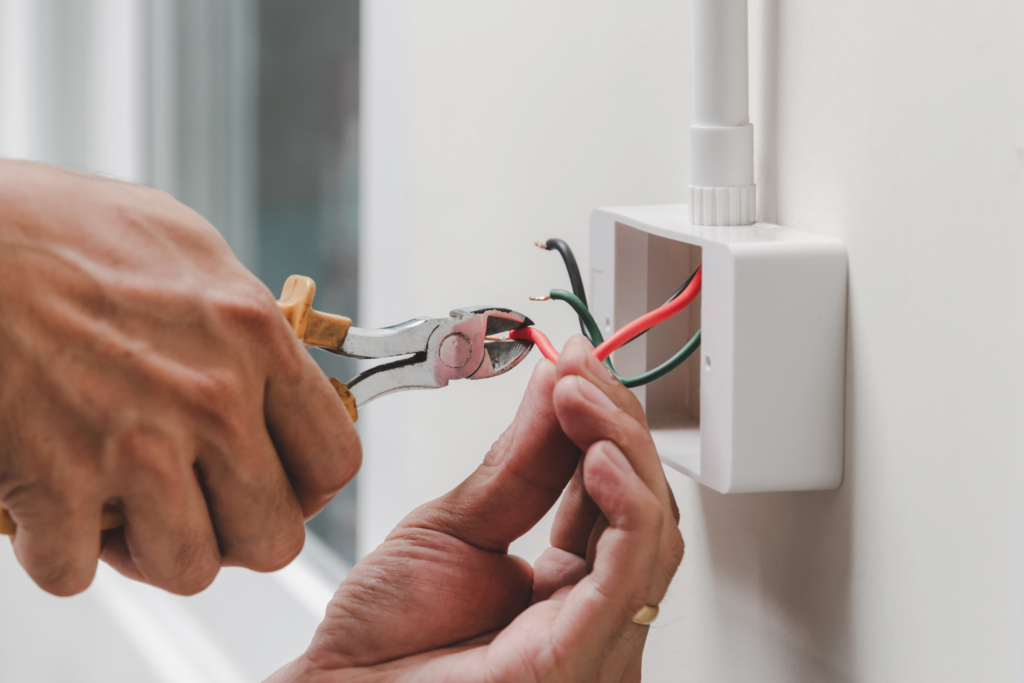
Another reason for a washing machine turning itself on could be the wall outlet. Electricity from the outlet can suddenly connect with the washing machine plug, causing the display to turn on briefly or the appliance to start altogether.
This could also be why your washing machine keeps turning itself off.
Loose outlets, especially ones in which large appliances, like washing machines, are connected, can be extremely dangerous. If your machine’s power cord won’t stay in the outlet or doesn’t fit firmly into it, you should replace it immediately.
Should you fix a washing machine that turns itself on?
Random wash cycles result in excess water and energy usage. They can also lead to more dangerous issues, like shortages or fires.
You should fix a washing machine that turns itself on randomly because it reduces the risk of blown fuses and fires and saves money on electric and water bills. To fix it, troubleshoot the cause and run a diagnostics check according to the owner’s manual.
Some reasons your washing machine starts by itself can be more serious than others.
For example, a loose outlet into which your appliance is plugged can spark or catch fire if not repaired. This is the most dangerous situation to look for when your machine kicks on randomly.
What happens when a washing machine turns itself on?
A washing machine might turn itself on for a few reasons, including when power is restored after an outage or an extension cord resets itself. What happens when a washing machine turns itself on?
When a washing machine turns itself on, the display lights up if it has one, and, in some cases, it will start or resume a wash cycle. When the power goes out, washing machines in the middle of a wash cycle will complete once power is restored to the outlet or appliance.
Some washing machine displays will freeze up after they turn themselves on—wait for the display to turn off on its own.
If a wash cycle resumes when the washer turns on, stop it or let it finish. Do not unplug the washing machine while it’s on and running.
How to stop a washer from turning itself on randomly
Washers that turn themselves on frequently can waste water and use more electricity than you’d like. Save on your utility bill by preventing this from happening.
Here’s a step-by-step guide to stop a washer from turning on by itself.
1. Press the stop or cancel buttons to end the wash cycle
If the washing machine turns itself on, try pressing the stop or cancel button to switch it off or end the cycle.
Leave it off for at least 10 minutes, as this usually helps reset any uncompleted programs that there might be.
After the 10 minutes have elapsed, plug it in again and check if it starts immediately or behaves as normal – it stays off until you press the start button.
2. Switch off the washer at the outlet
If stopping or ending the washing machine cycle fails to work, for example, if the controls are locked and unresponsive, proceed to reset the washing machine (so that it forgets its previous wash cycle settings).
Unplug it from the outlet or switch it OFF from the circuit breaker for at least 10 minutes.
3. Run the washer diagnostics check (refer to owner’s manual)
You can also run through a diagnostic sequence for your washing machine model – check the owner manual, as the procedures tend to be specific to a washer manufacturer and model.
Follow the step-by-step sequence that tests different washer components and note any errors on the display.
You can use this error code to help you pinpoint the issue. Feel free to contact an appliance technician for more complex issues.
Check the labor and part costs. It may not be worthwhile repairing the washer, and replacing it with a newer, more reliable model with a warranty might be better.
4. Replace the electronic control board
In some cases, the washer control board may be faulty. If resetting the washing machine does not work, the diagnostics do not return any error, or the washer display controls are locked up, you might have a case of a faulty control board.
It is best to check in the washing machine at the service center. Check if having the repairs or replacing them with a newer machine is worthwhile.
Summary of Washing machine turning itself on
If your washing machine is turning itself on, it might be the case that the washing machine was previously interrupted mid-cycle or needs to be reset.
Depending on the washer make and model, you may be able to reset it by unplugging it from the wall outlet (turn it off first) or switching off the breaker for at least 10 min.
Consult the washing machine owner manual for the recommended procedure for resetting the machine.
If resetting does not work, contact a qualified appliance technician for support or the manufacturer if the washer is under warranty.
Let Us Know How We’re Doing!
Did this expertly prepared resource answer your question?
Do you have another question about home maintenance, home improvement projects, home appliance repair, or something else?
Get more information, send in questions and keep the discussion going by contacting the I’ll Just Fix It Myself company customer service team at at 1-800-928-1490 or Email us at [email protected]
